

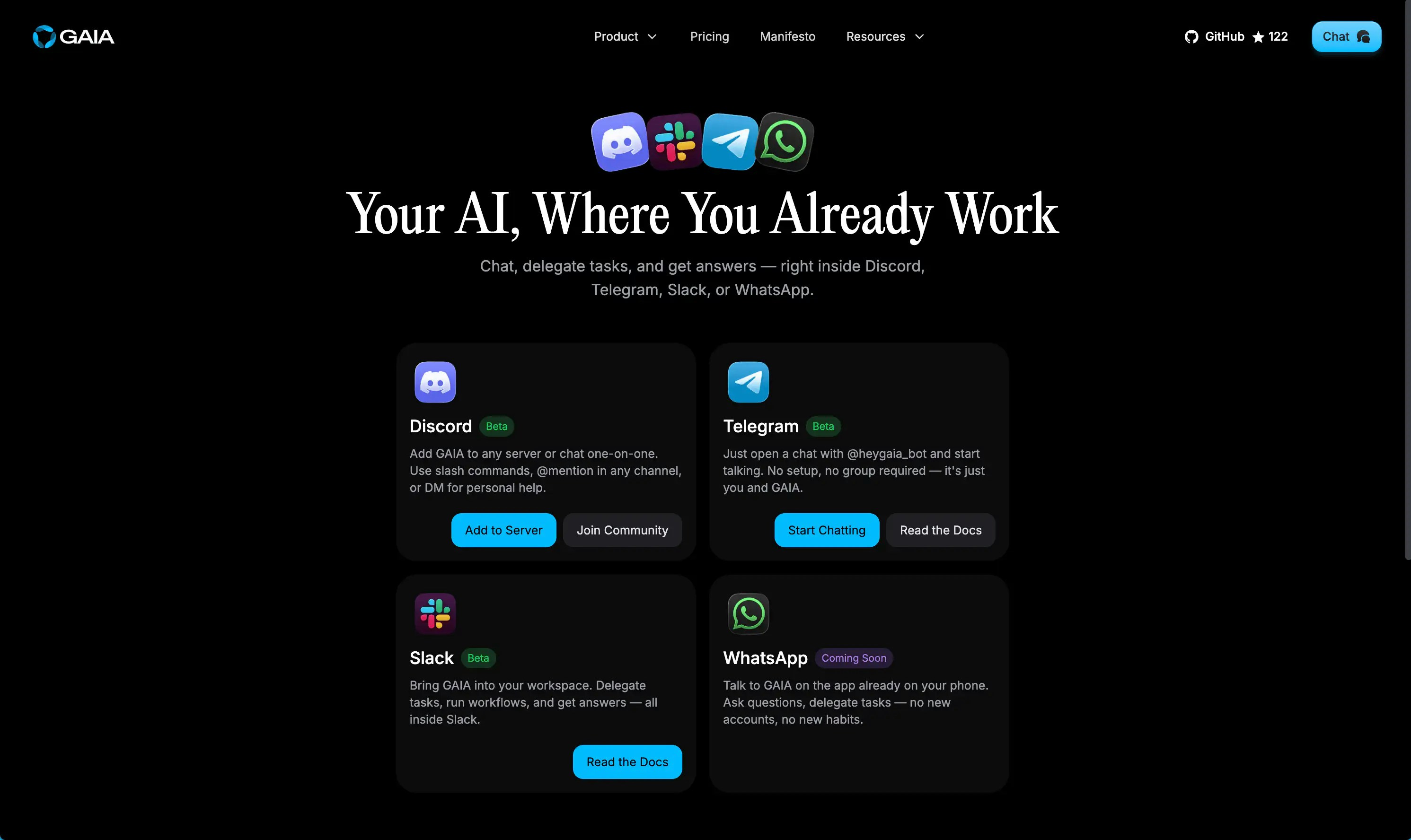
Bot Integrations
Chat with your assistant, manage todos, and run workflows from the messaging platforms you’re already in.Discord
Use slash commands or @mention GAIA in any channel or DM
Slack
Chat with GAIA and manage your work inside your Slack workspace
Telegram
Send messages or use /commands to talk to GAIA on Telegram
WhatsApp updated their terms of service to prohibit general-purpose AI chatbots, so GAIA is not available on WhatsApp.
What You Can Do
All GAIA bots give you access to the same core capabilities:- Chat with GAIA — Ask questions, get summaries, request actions
- Manage todos — Create, view, complete, and delete todos
- Run workflows — Execute and monitor your automated workflows
- View conversations — Browse your chat history with links to the web interface
- Link your account — Securely connect your messaging account to GAIA
- Stop a response — Cancel the current response and start fresh with
/stop - Unlink your account — Disconnect from GAIA directly from the bot with
/unlink
Talking to GAIA: Quick Start
Step 1 — Link your account
Before using most features, connect your messaging account to GAIA:Step 2 — Start chatting
@mention GAIA in any channel.
On Slack, you can DM the bot directly for free-text chat.
Step 3 — Manage your work
For Developers
Want to self-host the bots or add them to your own server/workspace? Each platform has a dedicated setup guide: All bots are open source and part of the GAIA monorepo underapps/bots/.